
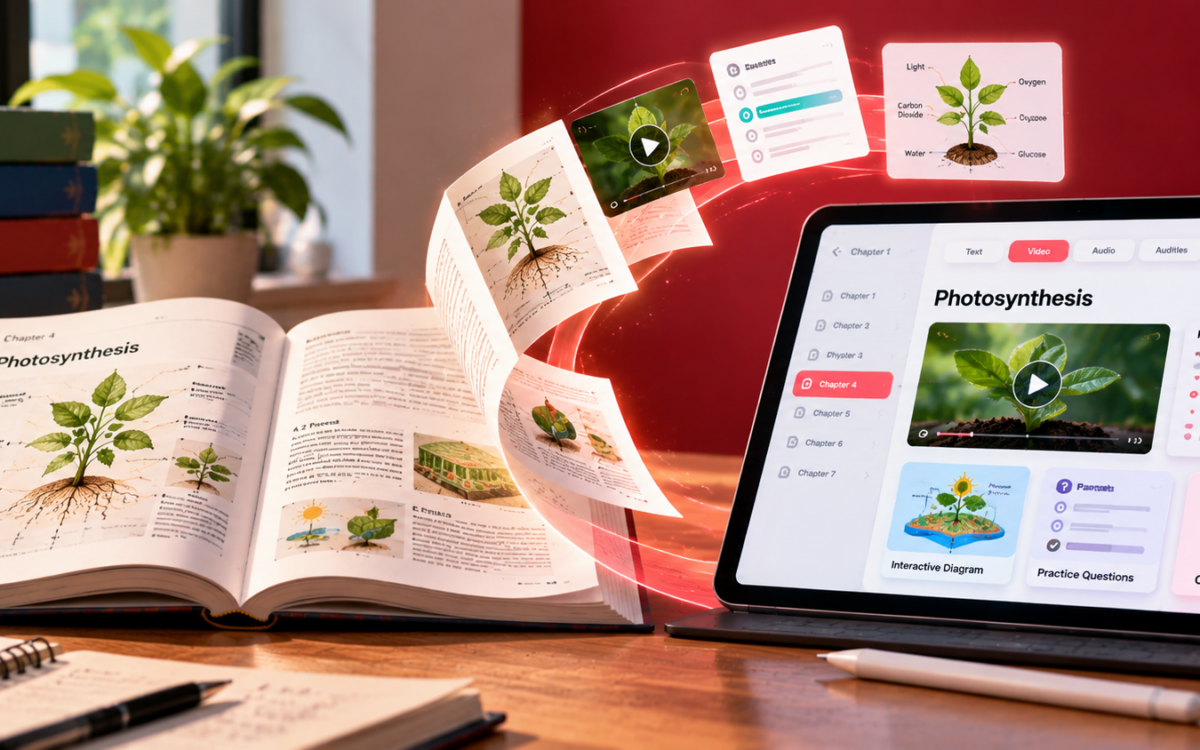
How Publishers Can Convert Textbooks into Digital Content

Converting a textbook into digital content is one of the most common projects a publisher takes on, and one of the easiest to get wrong. We’ve seen the same thing happen at more than one publishing house: a textbook someone spent years refining, authors sharpening the explanations, editors shaping the chapters, subject experts checking every example, gets turned into a “digital edition” that’s really just the print pages squeezed onto a screen. Same text, same diagrams, same structure, none of what actually made the book work as a teaching tool. We think of it as the textbook’s ghost, all the shape of the original, none of the substance.
A textbook isn’t just content. It’s a sequence someone designed on purpose, explanations building on each other, examples chosen to land at the right moment, exercises placed exactly where a student needs to test what they just learned. Convert it carelessly and you keep the words but lose the reasoning behind their order. Convert it properly, and the book gets to do more than it ever could on paper.
How to convert a textbook into digital content, step by step
1. Map the textbook before you convert it
Before touching a single page, it helps to lay the whole textbook out and ask what each part is for. A learning objective is doing something different from a worked example, which is doing something different again from a revision section. Treating every page the same way during conversion, running them all through the same template, tends to flatten a book that was never meant to be flat.
A useful map covers the chapter structure, the core instructional text, illustrations, worked examples, practice exercises, revision material, assessments, and any supplementary resources tied to specific sections. That map becomes the actual blueprint for the digital version, not a formality, the thing that decides what happens next.
2. Preserve the textbook’s original learning sequence
Textbooks are rarely written as a pile of facts. They’re written as a path: introduce a concept, explain it, demonstrate it, let the student practice it. That path is often the most carefully considered part of the whole book, and it’s also the easiest thing to lose in conversion if nobody’s paying attention.
A maths chapter might move from concept to worked example to guided practice to a chapter test. A language chapter might move from vocabulary into listening, then speaking, then writing. The digital version can absolutely change how a student interacts with each stage, tapping through an activity instead of writing in a margin, but the order those stages happen in should stay exactly what the author intended.
3. Turn textbook pages into interactive digital content
Once the map exists, the real conversion work starts. Body text becomes responsive digital content. A diagram becomes something a student can zoom into or interact with. A printed exercise becomes something that responds when a student answers it, right or wrong, immediately, instead of waiting for a teacher to mark it days later.
This is exactly what our Interactive E-book was built to do. Feed it an existing PDF or ePub, and it comes back out the other side able to carry embedded video, clickable activities and built-in assessments, all inside templates that adapt across different subjects and different languages without needing a separate build each time.
4. Add multimedia to the textbook where it actually helps
Not every page needs a video. The better question is where another format actually explains something more clearly than text and a diagram ever could. A pronunciation section benefits from audio in a way a paragraph about vowel sounds never will. A chemical reaction is often clearer animated than described. A historical event can land harder with archival footage than with three paragraphs of narrative.
For publishers converting at scale, these calls tend to work best made chapter by chapter, so multimedia stays tied to what’s actually being taught rather than getting bolted on for its own sake.
5. Convert textbook exercises into digital practice
Printed exercises are usually the most quietly valuable part of a textbook, because someone already worked out exactly what a student should be able to do after reading a section. During conversion, that value doesn’t have to stay locked in a worksheet format. A multiple-choice question can give feedback the second a student submits it. A language exercise can become something a student actually speaks into a microphone rather than writes on paper. A writing task can be paired with automated analysis that catches what a tired teacher marking the fortieth essay that week might miss.
6. Connect the textbook’s assessments to its content
Most publishers already have a substantial bank of assessment material sitting alongside their textbooks, often as separate PDFs or workbooks disconnected from the chapters they’re meant to test. Bringing that material into the digital edition itself, organized by chapter or unit, means a student finishing a section can move straight into checking whether they actually understood it, instead of that connection depending on a teacher remembering to hand out the right worksheet.
7. Decide how far to take the digital conversion
At some point, a publisher has to decide what the digital version actually becomes. It can stay close to the original, an interactive eBook with activities and assessments layered on. Or it can grow into something bigger, a full digital course built around the same content, with multimedia lessons, adaptive practice, and progress analytics attached.
Smart E-Pub is the lighter version of that choice. A chapter gains a narrated audio track, an AI-written summary a student can skim before diving in, and the option to read the same content in another language, all without restructuring the book underneath it. Book Plus is the heavier version. The same chapter becomes the spine of a full course, with speaking exercises, writing feedback, and analytics tracking how a student is actually progressing through it, not just whether they finished the page.
8. Review the converted textbook from a student’s perspective
The last check has to happen from the student’s seat, not the editor’s desk. Can someone move between sections without getting lost? Are the diagrams actually readable on a phone screen? Does an activity behave the way it’s supposed to? Does the assessment show up exactly where it should, right after the material it’s testing? Is the audio clear enough to follow without straining?
The editorial team checks whether the content is still accurate. The digital team checks whether it actually works, across whatever devices it needs to run on. A conversion is only finished once both of those are true at the same time, and the book someone spent years building still feels like the same book, just one that finally lets a student do something with it.